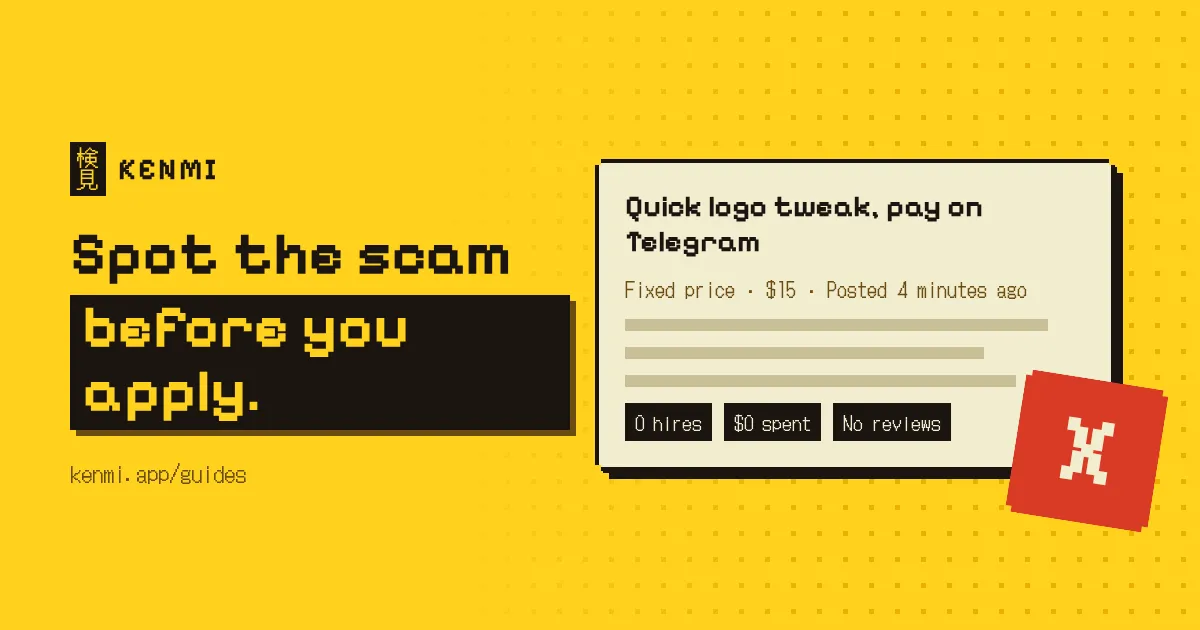
Most upwork scams don't look like scams. They come from new accounts with almost no hiring history, a job that sounds easy and a client in a hurry. The fastest defense is reading the client's history before the post, and never doing unpaid work outside a funded milestone.
Why Upwork scams got harder to spot
The old-school scams are easy. A "recruiter" who wants you on Telegram, a fee for "training software", a request for your ID before anyone has interviewed you. Upwork pulls a lot of those down quickly, and after you've seen one or two you stop falling for them.
The ones that cost me money looked like ordinary jobs. A short, reasonable post. A budget on the low side but not silly. A client who seemed friendly enough. Nothing in it screamed fake, and the problem only showed up weeks later, when the last payment didn't arrive.
AI has made this worse, in two ways. Writing a convincing job post now takes seconds, so feeds are full of low-effort posts and scam posts that read just as well as real ones. And the good posts fill up with proposals within hours, which means checking every client properly feels like a luxury. I get the temptation to skip the check and just apply. I've done it, and it's usually how I ended up with the bad ones.
Start with the client panel, not the post
The panel next to the job post tells you more than the post does. I read it before I spend a single connect.
The biggest warning sign, in my experience, is very little hiring history. One or two past jobs, no reviews, a small total spent. A client like that has nothing to lose, because you can't hurt the reputation of someone who doesn't have one. That doesn't make them a scammer. Every real client starts at zero. It just means you should be strict about how you get paid.
A few other things in the panel are worth a second look.
- total spent that doesn't match the budget, like $50 spent overall on an account offering a $3,000 project
- a low hire rate across lots of posts, which can mean someone collecting free samples or ideas from proposals
- written reviews from freelancers that mention late or partial payment (read the comments, the stars hide a lot)
Payment verification matters too, but less than people think. A missing badge is a warning, and having one doesn't make a client safe. I wrote a separate piece on what Upwork payment verified really means because it deserved more room than a paragraph.
From experience
The clients who caused me trouble almost never had bad ratings. They had almost no history at all. Several paid the first part of the job up front without any fuss, which made them seem trustworthy, and then stopped paying near the end. It happened more than once, and usually on jobs I'd applied to quickly without checking the client first.
That pattern is the one I'd warn anyone about. An early payment feels like proof. It isn't. It's a cheap way to earn your trust before the expensive part of the work.
What fake Upwork jobs say
Even when the client panel looks fine, the wording can give a post away. These are the upwork red flags I see most often in the text itself.
- asking to continue on Telegram, WhatsApp, Signal or personal email before there's a contract
- pay that's way too high for simple work like typing, surveys or "reviewing apps"
- pay that's way too low for skilled work, with lines like "easy task for an expert" or "should only take an hour"
- a test task that's really the whole job, done for free
- urgency with no detail, such as "start today" or "need someone now" with no real description
Low budgets aren't scams by themselves. Plenty of honest clients just don't know what things cost. But someone who expects a full product for the price of an afternoon usually treats freelancers as disposable, and I don't think that ever ends well. I skip those.
A quick check that doesn't cost you the job
You can't research every post deeply. Nobody can. What works for me is a fast first pass on everything, and a proper look only at the few posts that survive it.
- Skim the post for the signs above. Chat apps, fees and impossible budgets go straight in the bin.
- Glance at the client panel for payment status, total spent, number of hires and the last few reviews. That takes maybe thirty seconds.
- If the client passes, write the proposal and send it while the post is still fresh. My Upwork proposal tips cover the format I use to get one out in a few minutes.
Step two is the one that slips when you're scrolling a busy feed at the end of a long day. It's the part Kenmi was built for. It grades each post against your profile and flags likely scams before you open them. You can watch Kenmi grade a feed to see what that looks like.
Once you're hired
Some bad clients will get through no matter how careful you are. At that point the contract is what protects you, so set it up properly.
On fixed-price work, don't start a milestone until it's funded. The money sits in escrow once it's funded, and it doesn't matter how nice the client is being in chat. With a new client I split projects into several small milestones, so if they vanish halfway, I've lost one chunk instead of the whole thing. Small milestones won't stop a bad client, but they cap what one can cost you.
Hourly work is different. Your protection depends on time logged through the Upwork desktop app, with activity and screenshots, so log everything there instead of keeping your own notes.
Keep messages, files and agreements on Upwork too. Anything said on a call or in another app is hard to use in a dispute. And when the client adds work, agree the extra cost in writing before you start it. Scope changes are where friendly clients quietly turn into unpaid ones.
If it's already happened
Stop working. Don't deliver anything else, even if they promise to pay "as soon as" you send the last part. Then take these steps.
- Open a dispute through the contract if a funded milestone is involved.
- Contact Upwork support with the contract, the messages and anything the client sent you.
- Report the client's account so the next freelancer doesn't walk into the same thing.
- If you shared bank details or documents off the platform, call your bank and change your passwords.
It's a rotten feeling, and it'll probably make you more suspicious for a while. That's not a bad thing. Most freelance job scams reuse the same few tricks, and the second time you see one, you'll recognize it a lot sooner. If you're unsure about a specific post, the guide on deciding whether a job is legit walks through a wider check.
Questions people ask
- Can an Upwork client scam me if the contract is on Upwork?
- It is much harder, but not impossible. Fixed-price work is safest when every milestone is funded before you start, and hourly work is safest when you log time with the Upwork desktop app.
- Is a client with no reviews always a scammer?
- No. Every real client starts with no reviews. A new account is a reason to be careful with how you get paid, not a reason to skip the job.
- What should I do if a client asks me to move to Telegram or WhatsApp?
- Decline and keep the conversation on Upwork. If they insist, report the job post and move on.