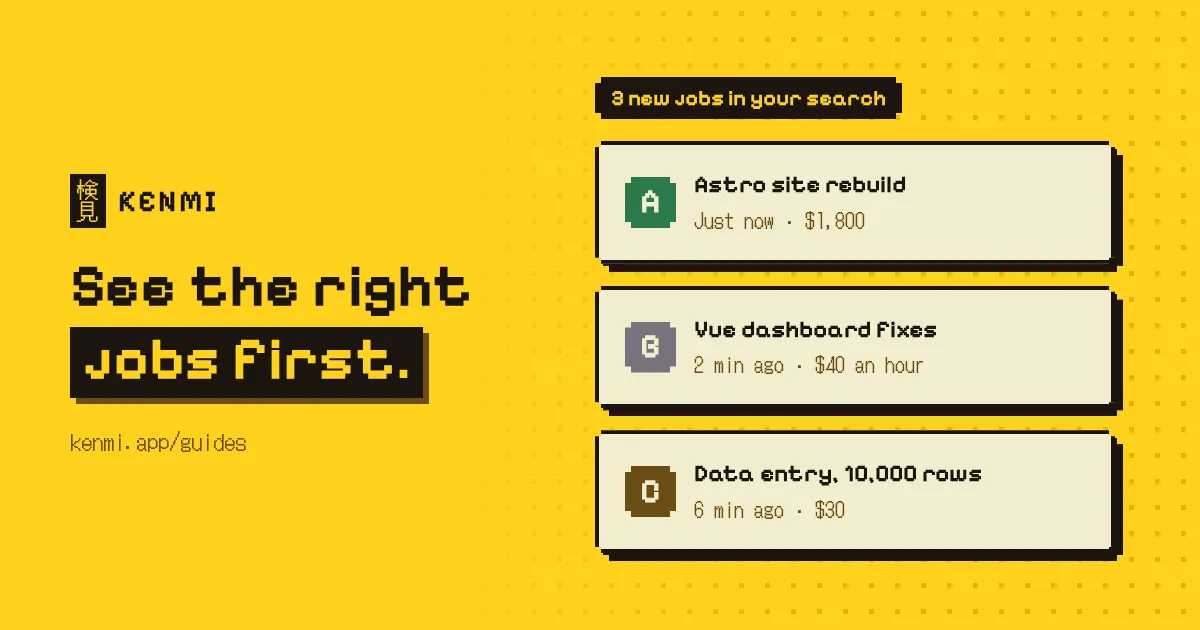
Upwork job alerts work best when they're narrow. Save a few searches that only match the jobs you're most likely to win, get notified when something new appears, and apply quickly with a proposal template. A broad search just floods you with posts you can't act on.
Why timing matters so much on Upwork
The first proposals on a post get the most attention. Clients often start reading and messaging soon after they post, and a decent job can pile up proposals within a few hours. By the time you get there, the client may already be talking to a shortlist.
So finding a job quickly matters almost as much as being the right person for it. A strong freelancer who sees the post six hours late is competing with everyone who saw it first, and with everyone who paid to boost their proposal.
It's also gotten harder. AI tools have made it trivial to fire off a generic proposal, so most posts now get a wave of low-effort applications. I don't think you beat that by typing faster than a bot. You beat it by being early and being relevant. Alerts take care of the early part.
Narrow saved searches beat broad ones
A saved search is only as good as its filters. You want a search narrow enough that every result is worth opening.
Start with your niche rather than your job title. "Astro website" or "Shopify speed optimization" finds far better matches than "web developer", which matches half the site. Then use the filters Upwork gives you. Experience level, job type, budget and client history all cut noise, including a lot of posts from clients who were never going to hire anyone. If there's work you never take, like fixed-price jobs under a certain budget, filter it out completely.
I'd rather have several tight searches than one wide one. Each covers a single type of work I do well, and each maps to a proposal template I already have ready.
There's a side effect that surprised me. The narrower the search, the less often it shows something new. That sounds bad, but it's the whole point. You get time to apply properly to each post instead of skimming a stream of them and guessing.
From experience
My best results came from saved searches tight enough that a new post only showed up every so often. With a broad search, something new appeared every few minutes, and I couldn't tell what was worth applying to. Narrow searches meant I was ready when the right job came up, with a proposal template for that exact kind of work.
What makes a good niche for a saved search?
A good niche is one where you have proof and the client has a specific problem. "React developer" describes a skill that thousands of people share. "Fixing slow React dashboards" describes a problem, and it attracts clients who already know what they need. You can also show them a sample of exactly that, which a generic AI proposal can't do.
To find yours, look back at the jobs you won most easily and the clients who came back for more. That's usually where you're best positioned, even if it isn't the work you'd have picked on paper. Pairing a skill with a context helps too. A tool plus an industry, or a skill plus a problem, makes a much narrower search than either one alone.
Pay attention to how clients word things. Plenty of them describe problems, not technologies. A client with a slow store might write "site is slow" or "migrate from" and never name the framework. Saving searches around phrases like those can catch posts that skill-based searches miss.
Start with two or three niches. You'll learn fairly quickly which ones lead to replies, and you can drop the rest.
Three ways to hear about new jobs
The simplest option is Upwork itself. Saved searches can notify you about new matches, and you can choose how and when you hear about them in your notification settings and in the mobile app. For a lot of people that's enough.
If it isn't, there are third-party tools that watch your searches and send alerts by email, chat or desktop notification. Some are good. Before connecting anything to your account, though, check exactly what access it asks for. Your Upwork account is your income, and I wouldn't hand it to a tool I hadn't looked into.
Then there's the low-tech version. Keep your saved search open on a second screen while you work, and glance at it now and then. It costs nothing, needs no setup, and honestly works fine when your searches are narrow enough that the page rarely changes.
Whichever you pick, don't apply to every alert. You'll go insane. Alerts are there to show you the jobs worth a look, not to turn every notification into a proposal.
What I do when an alert comes in
I try to keep each alert to a few minutes. The routine is short.
- Read the title and budget. If it doesn't fit, close it and move on.
- Check the client. Payment status, total spent and reviews take about thirty seconds. Our guide on what Upwork payment verified means explains what to look for.
- Look at the competition. If a post already has a big pile of proposals, I usually save my connects for something fresher.
- Apply with a template. I adapt a prepared proposal for that niche rather than writing from scratch. Our Upwork proposal tips cover the format I'd use.
The template is what makes speed possible. Without one, "apply as soon as you can" turns into "apply in an hour, once you've finished writing", and by then the moment has often passed.
Filtering out the bad ones
Even narrow searches let some poor posts through. Vague descriptions, budgets that make no sense, clients with no history, and a growing number of scams. A lot of those scam posts are clearly AI-written now, which means they read smoothly and don't have the broken English people used to rely on as a warning sign.
Reading every one carefully defeats the point of being fast. You need a quick way to rule things out. Our guide on how to spot Upwork scams lists the signs I'd check first.
This is also where Kenmi helps. It grades each post in your Upwork feed against your profile and rules as you browse, and flags likely scams, so you can see at a glance which alerts deserve a proposal. If that sounds useful, you can add Kenmi to your browser and try it on your own saved searches.
Keeping it sustainable
Job hunting on Upwork can quietly turn into a second job. I've found a few limits make a big difference.
Check at set times instead of all day. A few short sessions beat a constant eye on the feed, and if you're using a second screen, that screen shouldn't be pulling your attention every minute. Decide roughly how many connects you'll spend each week, too, and stick to it. It forces you to be picky, which is what narrow searches are for anyway.
Every month or so, look at your searches again. Drop the ones that never lead to replies. Tighten the ones that show too much. If you note which searches led to interviews and hires, you'll start to see a pattern fairly quickly, and that pattern is your niche.
For what it's worth, most of my work now comes from client referrals rather than new proposals. Alerts help you land the first few clients. Doing good work for them is what brings the next ones.
Questions people ask
- Does Upwork have job alerts?
- Upwork lets you save searches and get notified about new jobs that match them. Check the notification settings in your account and the mobile app to choose how you hear about them.
- How fast should I apply to a new Upwork job?
- As soon as you can. Proposals sent in the first hour or two have a much better chance of being read.
- How many saved searches should I have?
- A few narrow ones for the work you win most often, plus one broader search you check less often.